
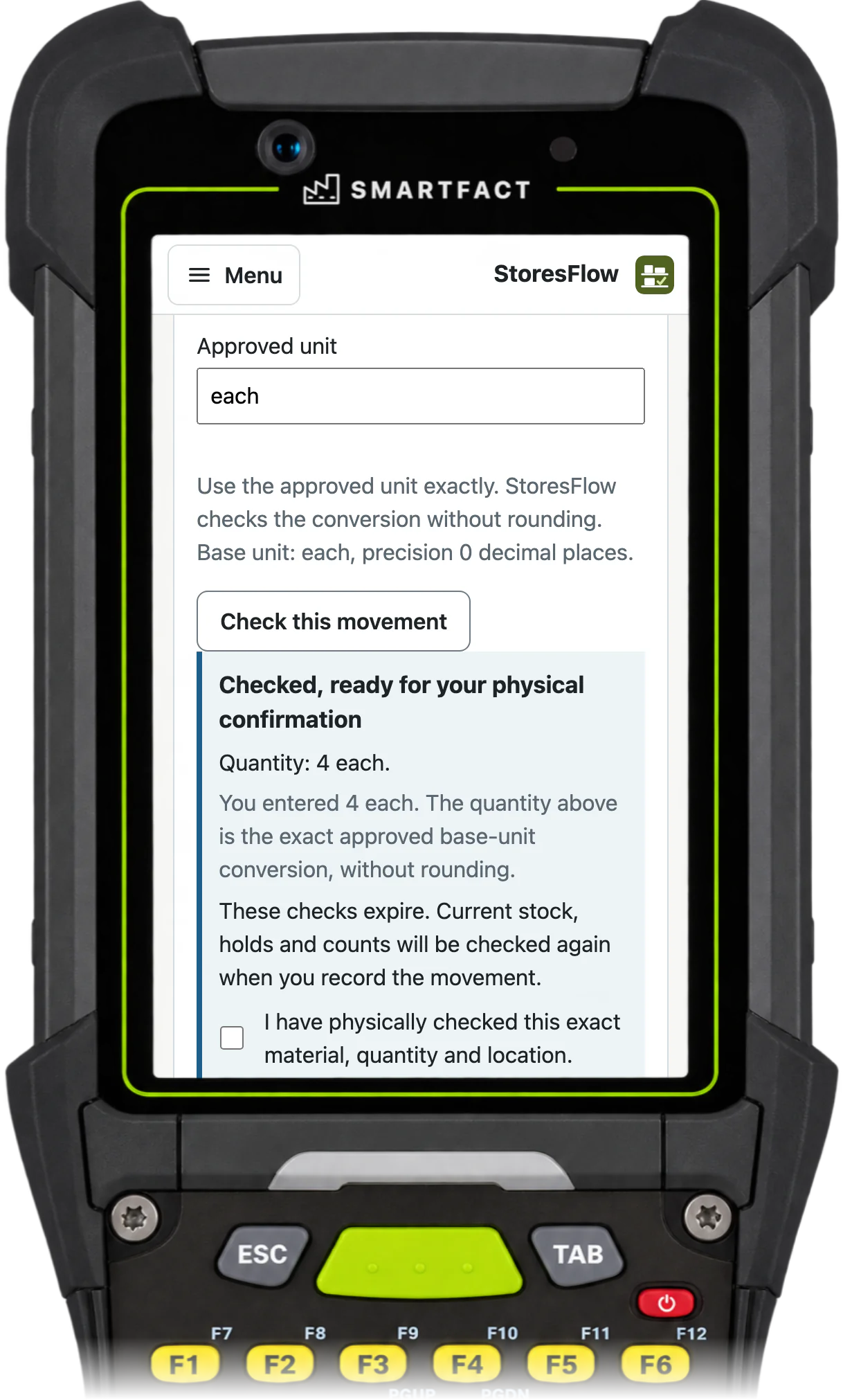

Reserve against a known demand
Create or import a job line with its item, quantity and reference. The approved policy chooses the eligible bins and lots, oldest first or as your team decides. A full reservation or an explicitly accepted part leaves any shortfall visible.
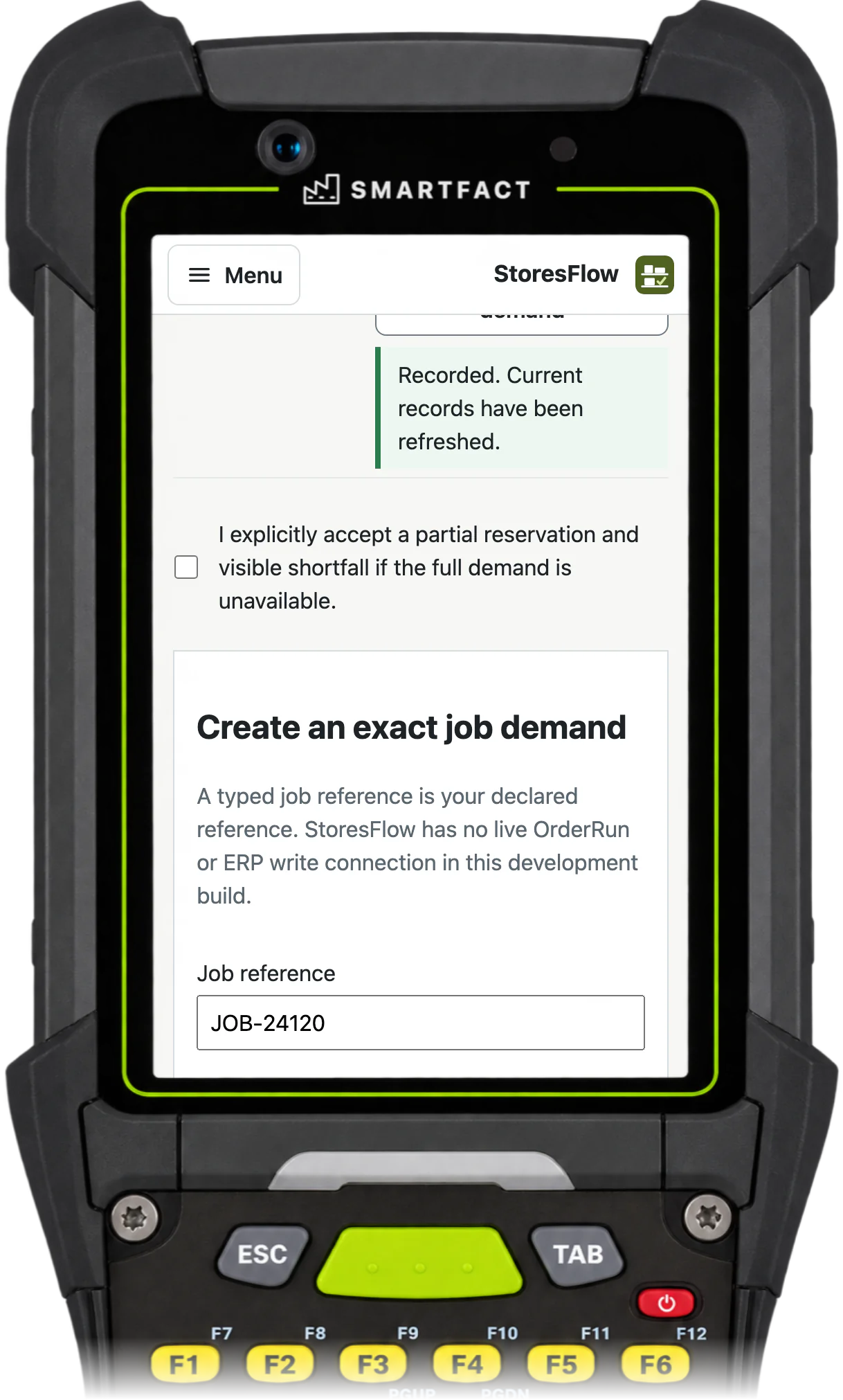
Pick with a scan
The picker selects the job, scans the source bin and the item, and confirms the quantity moved to staging. If another station changed that stock first, StoresFlow shows the current position and asks for a fresh choice instead of taking different stock.
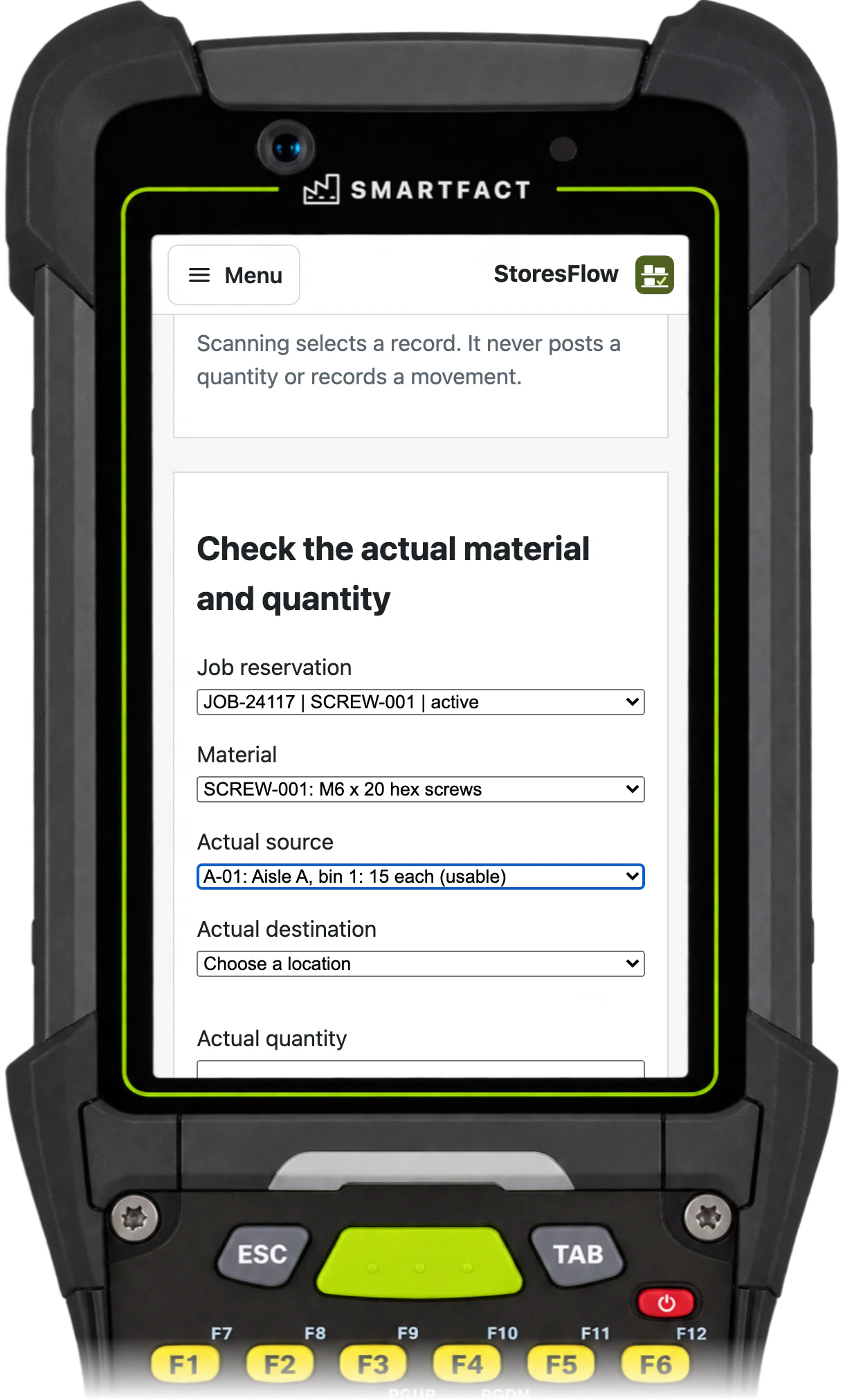
Issue to the job
Issue records staged material leaving the stockroom for the job. The person handing it over confirms the exact material and quantity. Issue does not prove that the material was used in manufacture.
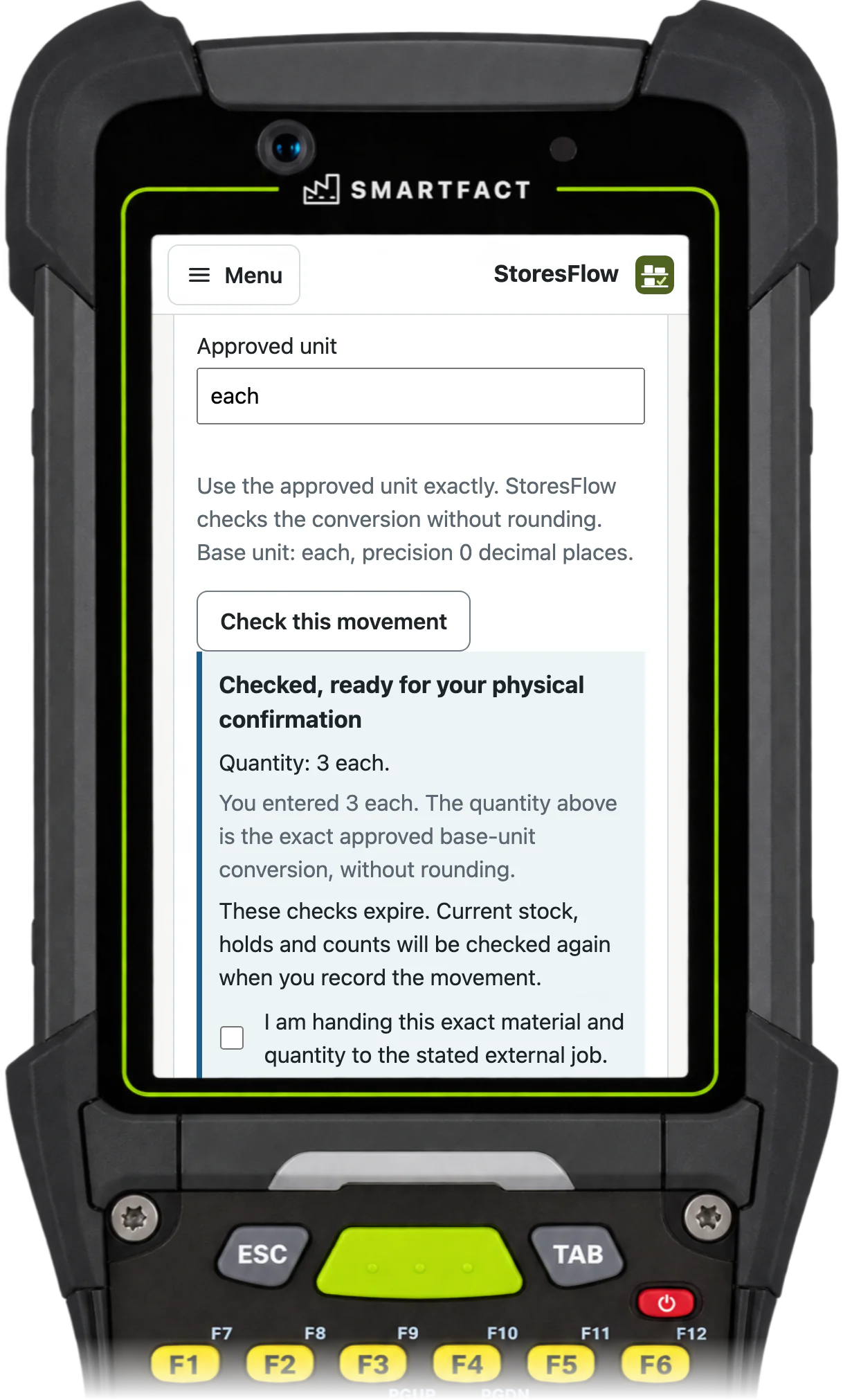
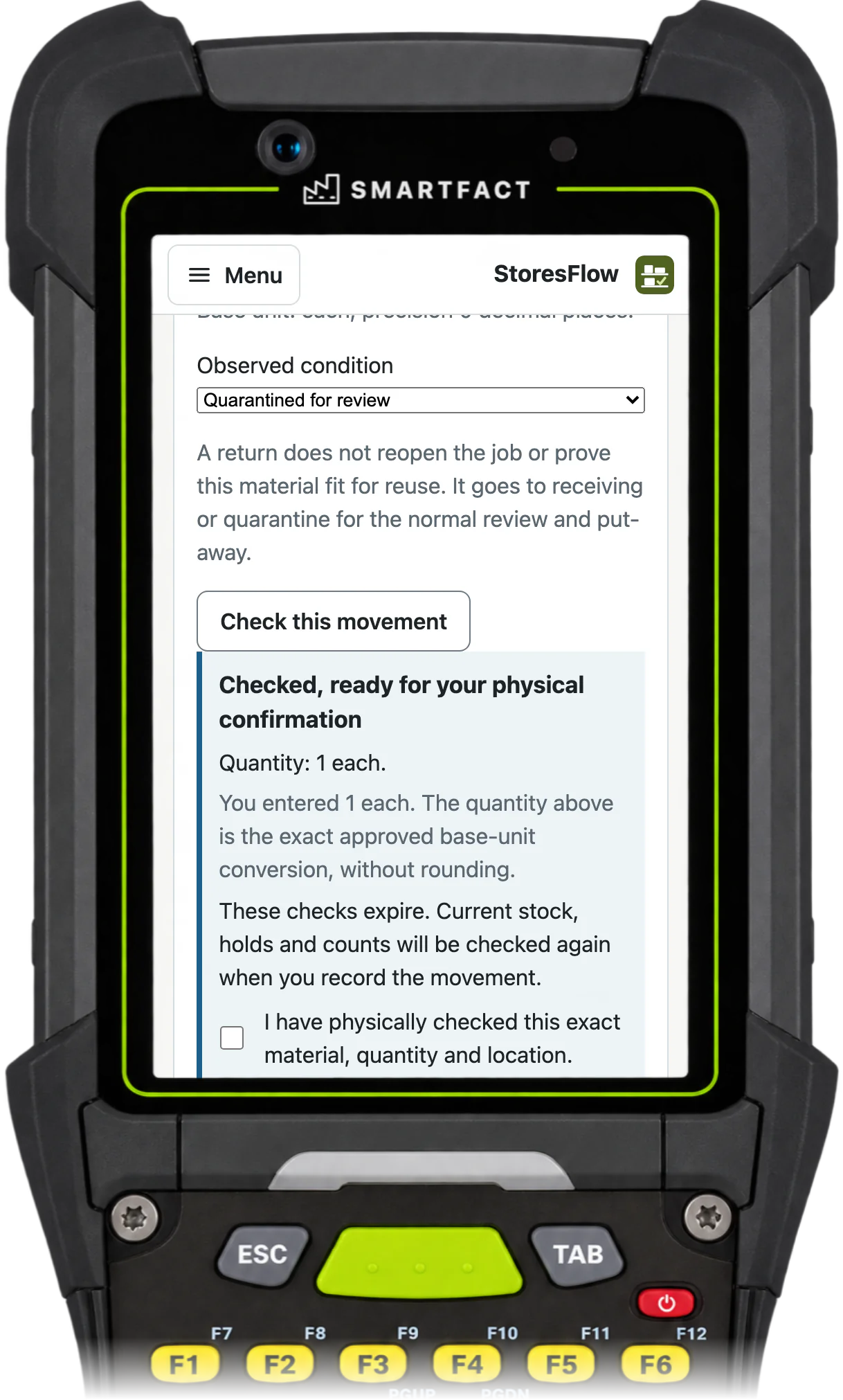
Return what is not used
An unused return names the original issue and goes back to receiving or quarantine for review before it can be reserved again. A return does not reopen the job or certify the material as fit for reuse.
What StoresFlow does not do
- Purchase orders, demand forecasts or refill requests. Low stock opens a review task.
- Automatic substitution of another material, lot or job.
- Proof of manufacture or consumption. Issue records material leaving the stockroom for the job.
- Connections to OrderRun, KitProof or an ERP. Job lines are created or imported in StoresFlow.
Common questions
Does it order more stock?
With SmartFACT Purchasing connected, StoresFlow raises a stock request using the approved reorder point and known on-order quantity. Purchasing prepares and approves the supplier order; StoresFlow owns the physical receipt. No forecasts, valuation or MRP are included.
Trials are by invitation and start with one agreed workflow. Scope and arrangements are agreed with you before access.


