
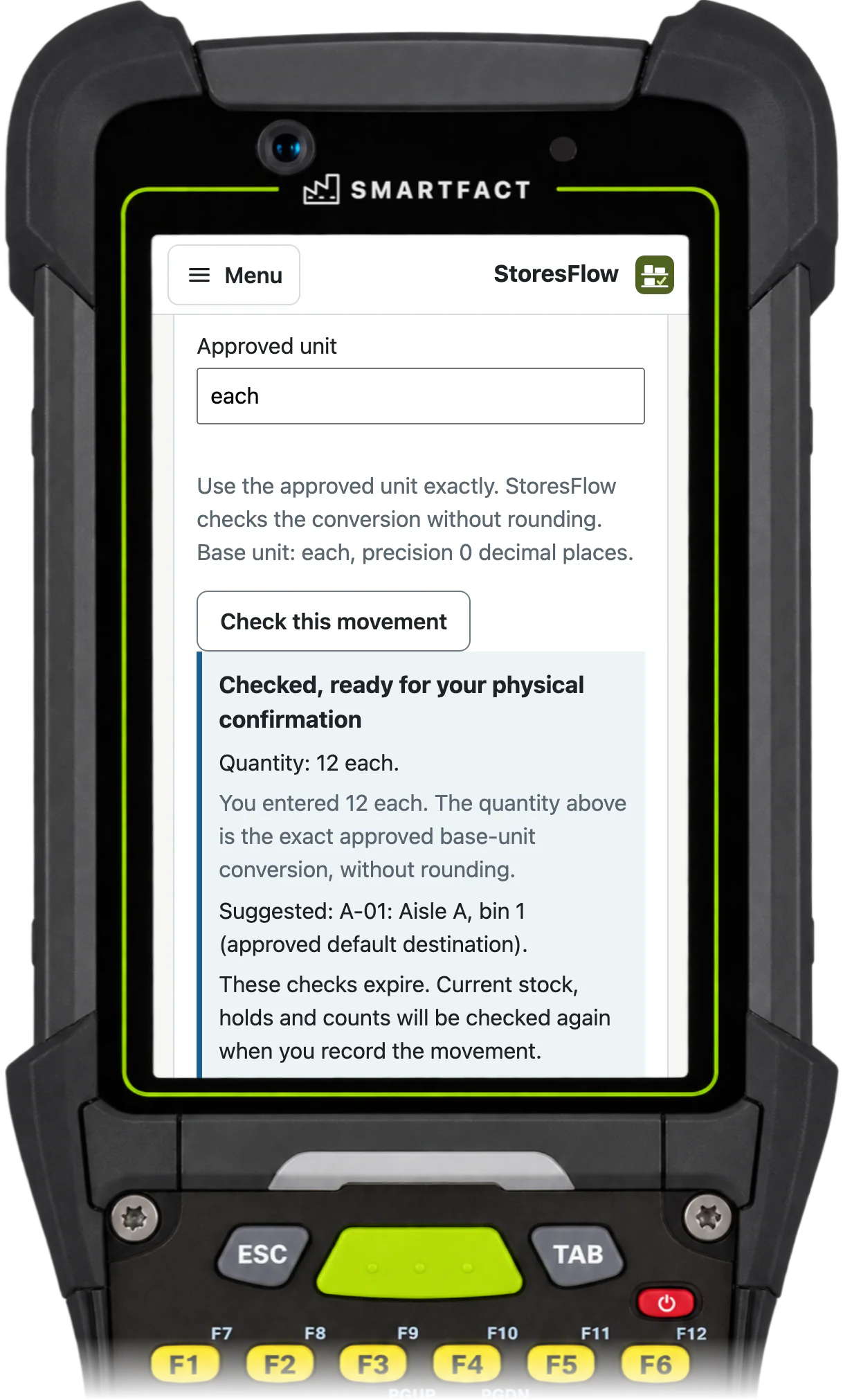

Receive into receiving first
Scan the delivered item, enter what actually arrived and check the lot where one is required. StoresFlow shows the exact base quantity before you confirm. The stock waits in receiving until it is put away, so it is not offered to a job early.
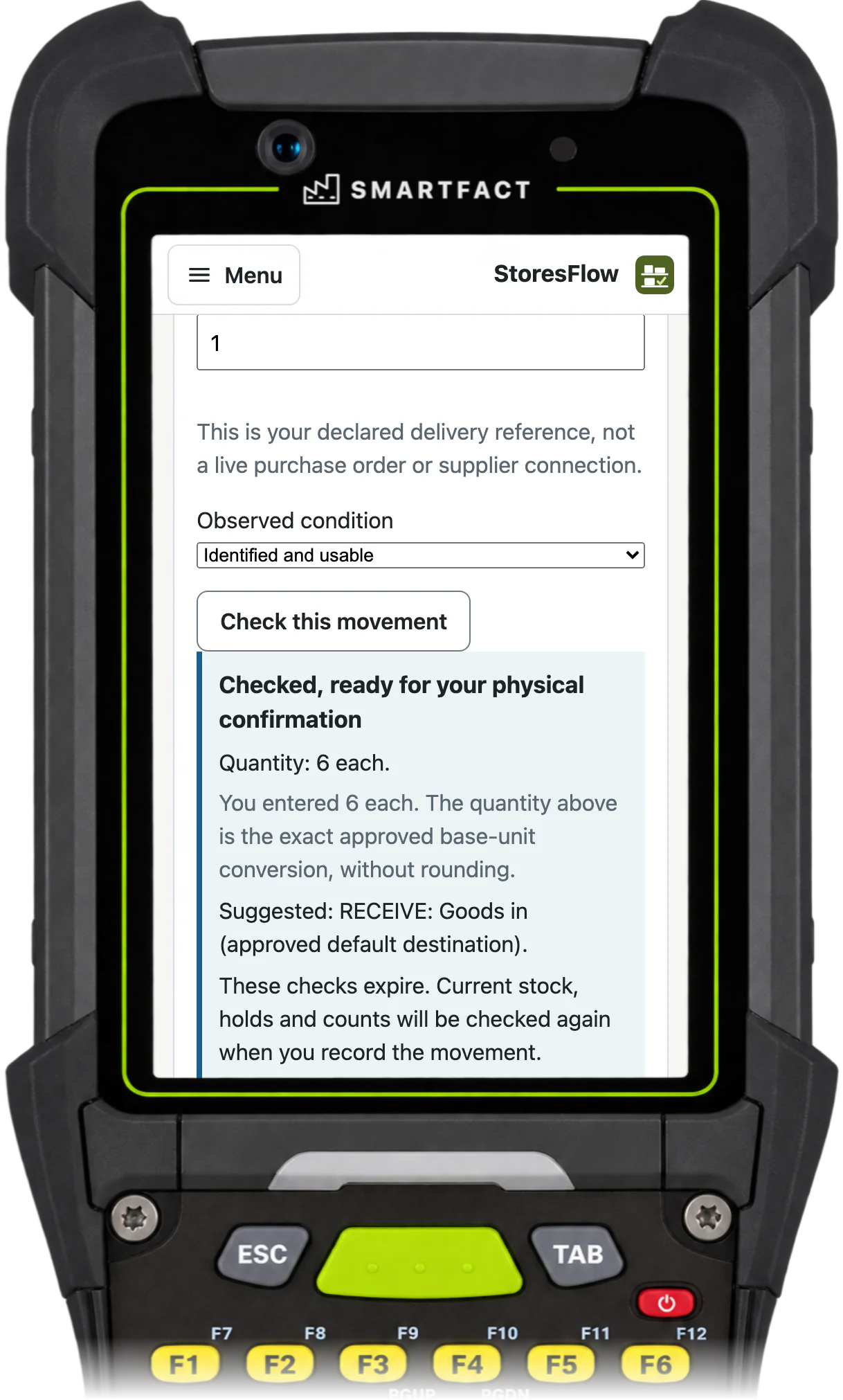
Put away to the suggested bin
The approved policy suggests where each item goes and lists the permitted alternatives. The operator scans the bin to confirm the put-away. A suggestion or a printed label alone never completes the step.
See what is really available
Stock pages show receiving, bin, staged, in-transit, held and reserved quantities separately, in readable units. Available means put away, fit to use and not already promised. Try it in a guided demonstration with fictional stock before agreeing your own opening count.
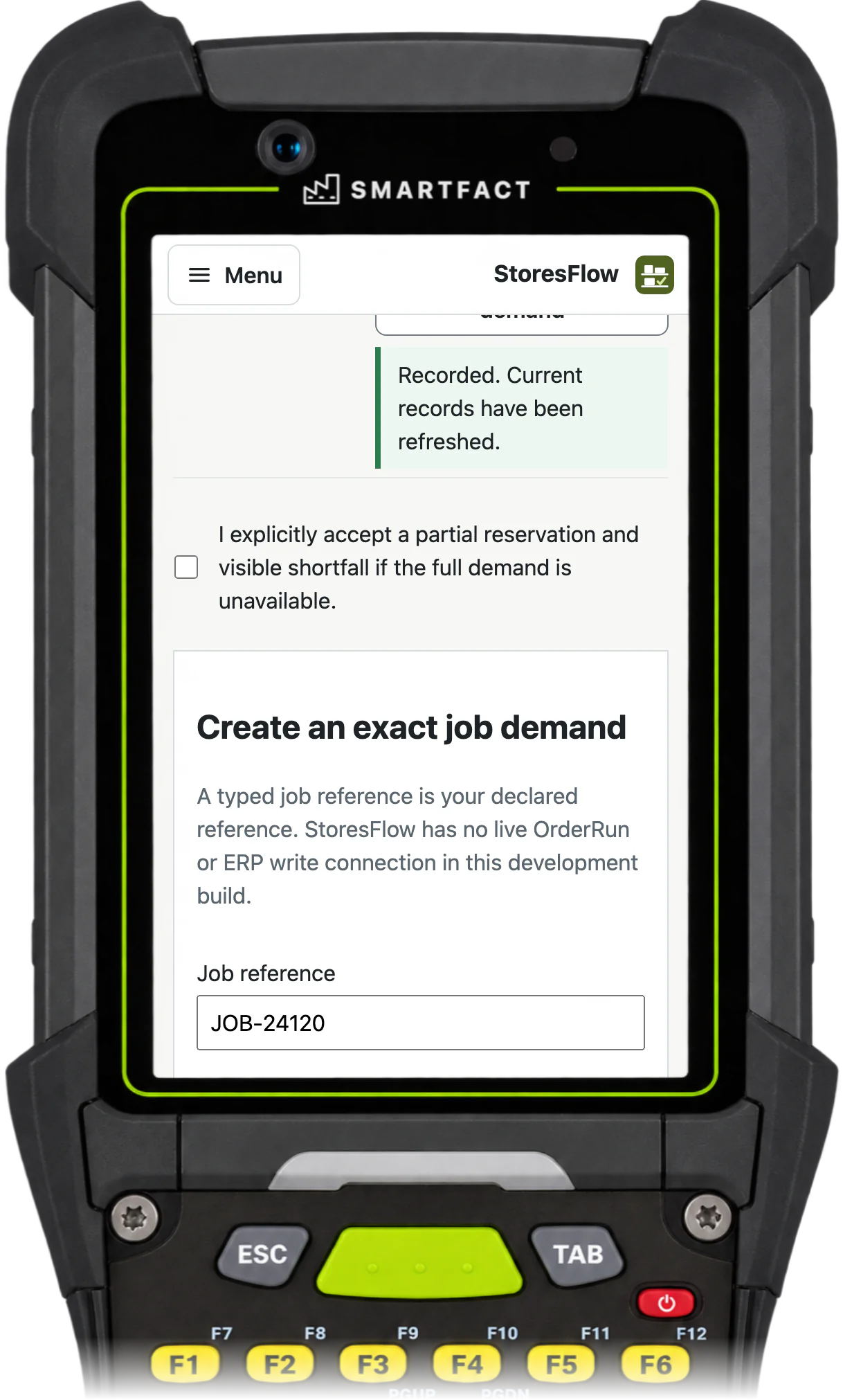
What StoresFlow does not do
- Valuation, MRP or serial numbers. Purchase orders belong to SmartFACT Purchasing.
- ERP synchronisation. StoresFlow is the only stock record for the stock moved into it, from an agreed cutover.
- RFID, scales, machine control or offline working.
Common questions
Does scanning a barcode move stock?
No. A scan finds the item, lot or bin. Stock moves when a person confirms the physical receipt, put-away, pick or issue. A printed label or sheet is not evidence that anything moved either.
Trials are by invitation and start with one agreed workflow. Scope and arrangements are agreed with you before access.


